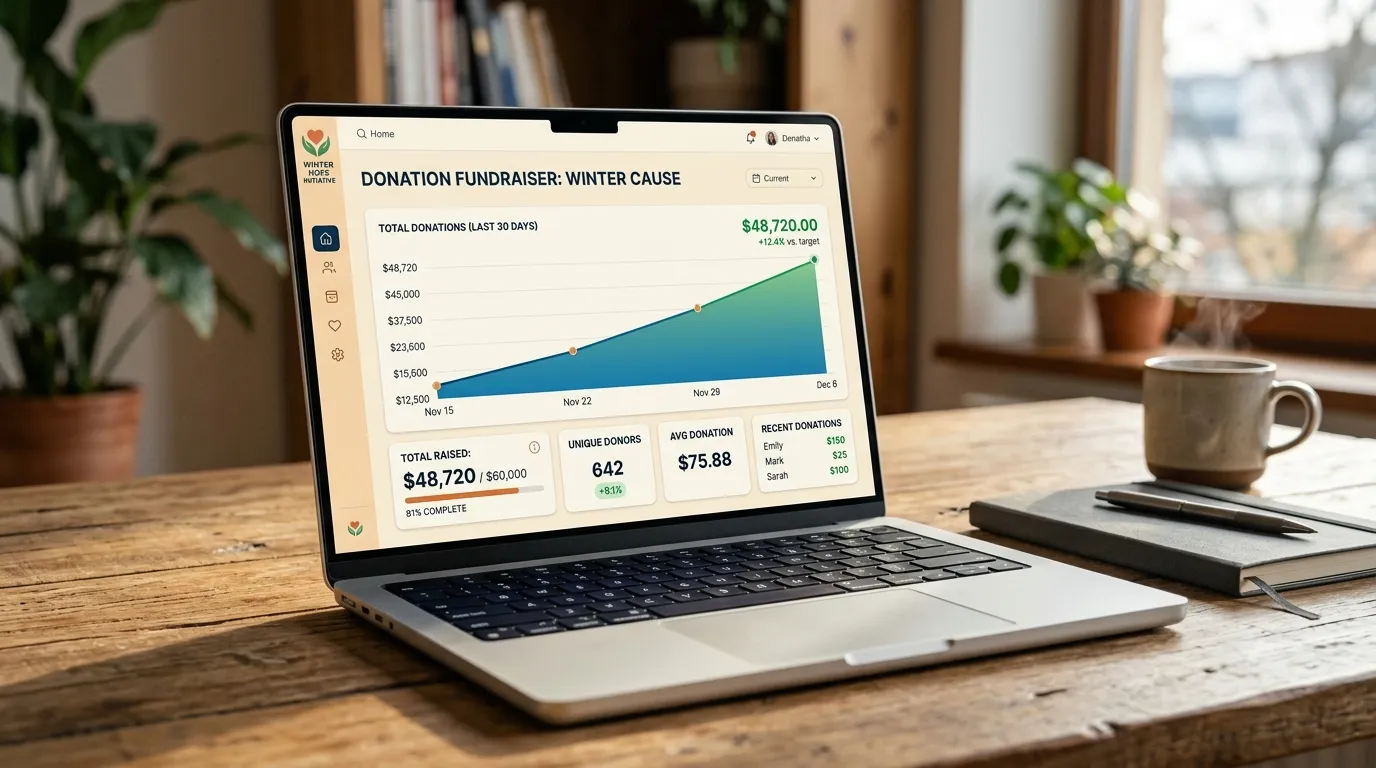
Bloomerang is one of the most beloved donor management platforms in the social sector, renowned for its donor retention analytics and user-friendly interface. But when organizations try to integrate Bloomerang forms onto their website, they often run into visual and functional roadblocks: unstyled widgets that clash with brand typography, mobile formatting glitches, and difficulty tracking Google Analytics conversion events.
With the right technical approach, you can embed native Bloomerang forms that look seamless, perform flawlessly across mobile devices, and feed clean transaction records directly into your constituent database.
"A donor form should never look like an uninvited third-party widget pasted onto your website. It should feel like a natural, trustworthy extension of your organization's digital home."
The 2 Ways to Integrate Bloomerang on Your Website
1. Bloomerang Embedded Widgets with Custom CSS Overrides
Bloomerang provides JavaScript widget snippets that inject forms into your page. While convenient, the default styles rarely match your site's fonts or button designs. We apply scoped CSS overrides that:
- Inherit your site's custom fonts and color palette.
- Transform generic radio buttons into modern, touch-friendly gift amount cards ($25, $50, $100).
- Ensure 100% mobile responsiveness and WCAG 2.2 AA color contrast.
2. Custom API Integrations via Bloomerang REST API
For custom multi-step donation flows, campaign landing pages, or event ticket sales, connecting via Bloomerang's REST API allows you to submit constituent and transaction data directly from custom form components without relying on iFrames or external scripts.
Best Practices for Clean Bloomerang Data Sync
- Map Appeal & Campaign Codes: Ensure every web form automatically tags transactions with the correct Bloomerang Campaign and Appeal code for precise fundraising attribution.
- Custom Success Page Redirects: Configure Bloomerang forms to redirect donors to a custom "Thank You" page on your domain, allowing you to trigger Google Analytics 4 purchase events and corporate matching gift prompts.
- Prevent Duplicate Constituents: Ensure phone numbers and email addresses are normalized before submission to maintain database hygiene.
Need custom styled Bloomerang forms on your site?
I build clean, branded Bloomerang integrations that look beautiful and convert donors seamlessly.
Request Bloomerang Integration Support