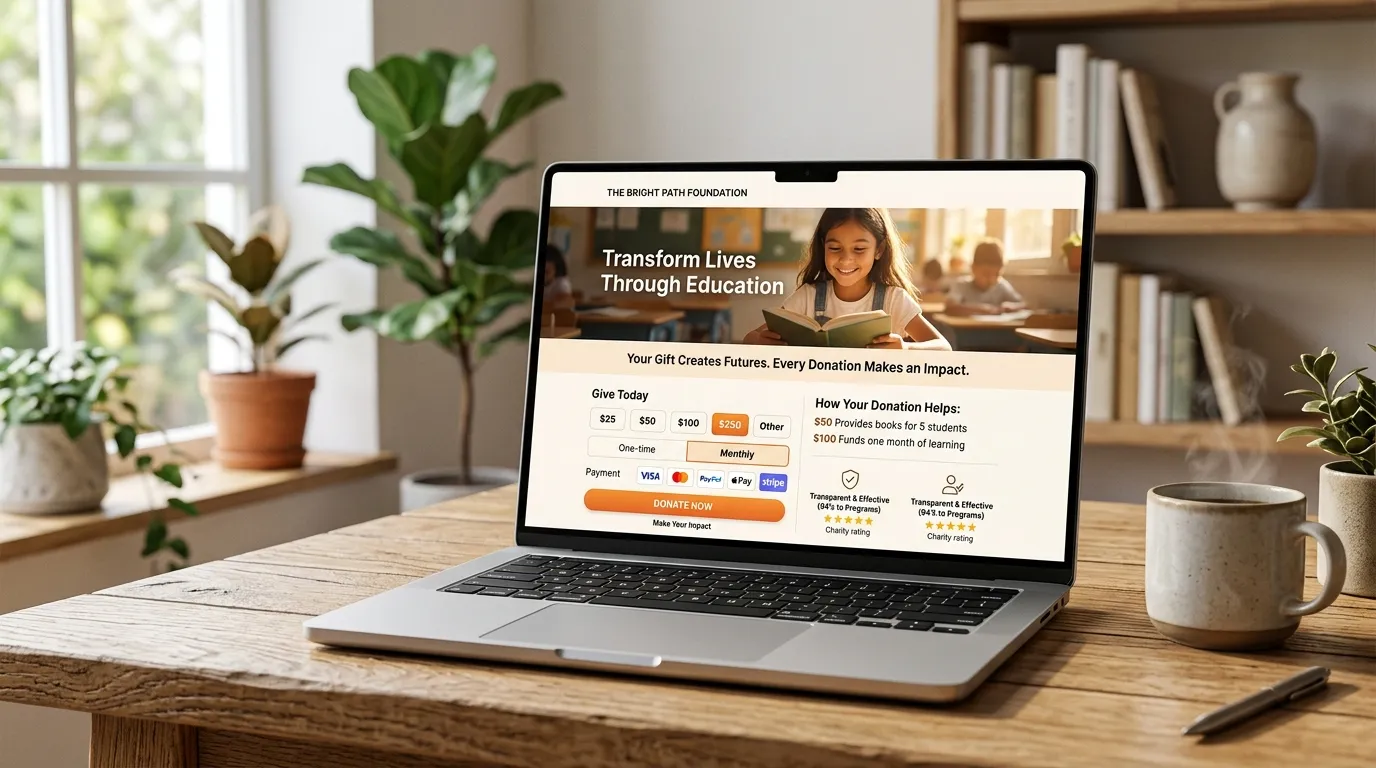
Imagine a supporter riding the bus or sitting on the couch scrolling through social media. They see an urgent appeal from your organization, feel deeply moved, and tap the link to your donation page. But when they arrive, they are asked for a 16-digit credit card number, CVV code, and billing address.
Their wallet is in the other room or deep inside a backpack. In that single moment of friction, the impulse to give evaporates. Over 60% of mobile donation drop-offs happen at this exact step.
"A donation form should never demand physical effort from someone who has already made the emotional decision to support your mission."
Why Digital Wallets Transform Giving Metrics
- 5-Second Checkout: Donors authenticate with Face ID or fingerprint touch in seconds—no typing required.
- Zero Card Entry Errors: Eliminates failed transactions caused by typos in credit card numbers or billing zip codes.
- Higher Mobile Conversion: Nonprofits activating Apple Pay and Google Pay see an immediate 15% to 28% increase in mobile donation completions.
- Appeals to Younger Donors: Gen Z and Millennials expect frictionless mobile-first giving. Over 70% prefer digital wallets over physical credit cards for web payments.
How to Implement Digital Wallets on Your Site
1. Stripe Payment Request Button (Elements)
If your website uses Stripe, you can implement the Stripe Payment Request Button. It dynamically detects whether the donor is on an iOS device (serving Apple Pay), an Android/Chrome device (serving Google Pay), or a desktop browser (serving standard card fields or Link).
2. Apple Pay Domain Verification
Apple requires domain association to prevent fraud. Your developer must upload an Apple-provided verification file to your server’s /.well-known/apple-developer-merchantid-domain-association directory and register the domain in your Stripe dashboard.
3. Venmo and PayPal Commerce Integration
Venmo is wildly popular for peer-to-peer micro-donations ($10–$50). Integrating PayPal's latest JavaScript SDK allows mobile users to complete donations directly within their Venmo app while crediting your organization's merchant account.
What About Recurring Monthly Donations?
Modern digital wallets fully support recurring subscriptions. When a donor selects "Make this a monthly gift" and authorizes via Apple Pay or Google Pay, a recurring customer token is securely created in your payment processor, guaranteeing frictionless recurring revenue every month.
Is your donation form losing mobile donors?
Let's integrate Apple Pay, Google Pay, and modern digital wallets into your existing donation infrastructure.
Upgrade to Digital Wallets