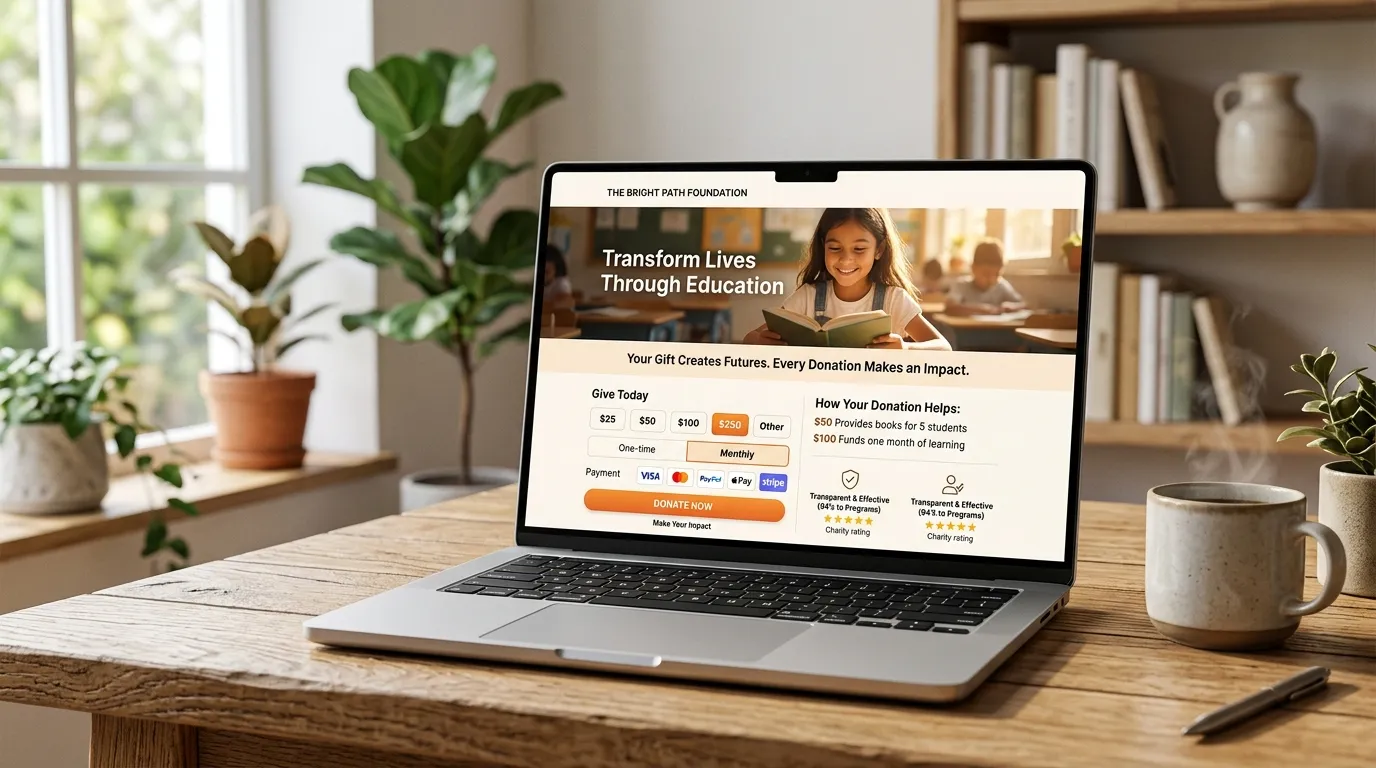
Over 70% of traffic to nonprofit websites now originates on mobile devices. Yet mobile donation conversion rates consistently lag behind desktop by more than 50%. The culprit is almost always physical friction: forcing a mobile user on a bus or couch to pull out a physical credit card and type 16 digits into a tiny screen.
Enabling digital wallet giving with Apple Pay and Google Pay eliminates typing friction entirely, allowing donors to complete gifts using biometric Touch ID or Face ID in under four seconds.
"When you remove the need to type credit card numbers and billing addresses on mobile, your checkout completion rate typically surges by 30% to 45%."
How to Correctly Architect Digital Wallet Giving
1. Apple Merchant Domain Verification
We host the required apple-developer-merchantid-domain-association file under /.well-known/ and verify your domain directly with Apple Pay.
2. Dynamic Payment Request Detection
Using Stripe Elements or Braintree SDK, our code automatically detects whether the visitor is using Safari on iOS/macOS (showing Apple Pay) or Chrome on Android/Windows (showing Google Pay).
3. Sustainer & Recurring Gift Support
Ensure your digital wallet integration supports continuous monthly recurring subscriptions via Apple Pay tokenization.
4. Automatic Billing Address Extraction
Extract the donor's name, email, and address directly from their Apple/Google profile with zero manual form inputs, passing data cleanly into your CRM.
Ready to enable 1-click Apple Pay giving?
Web4Cause implements frictionless digital wallet checkouts that dramatically boost mobile donations.
Set Up Digital Wallet Giving