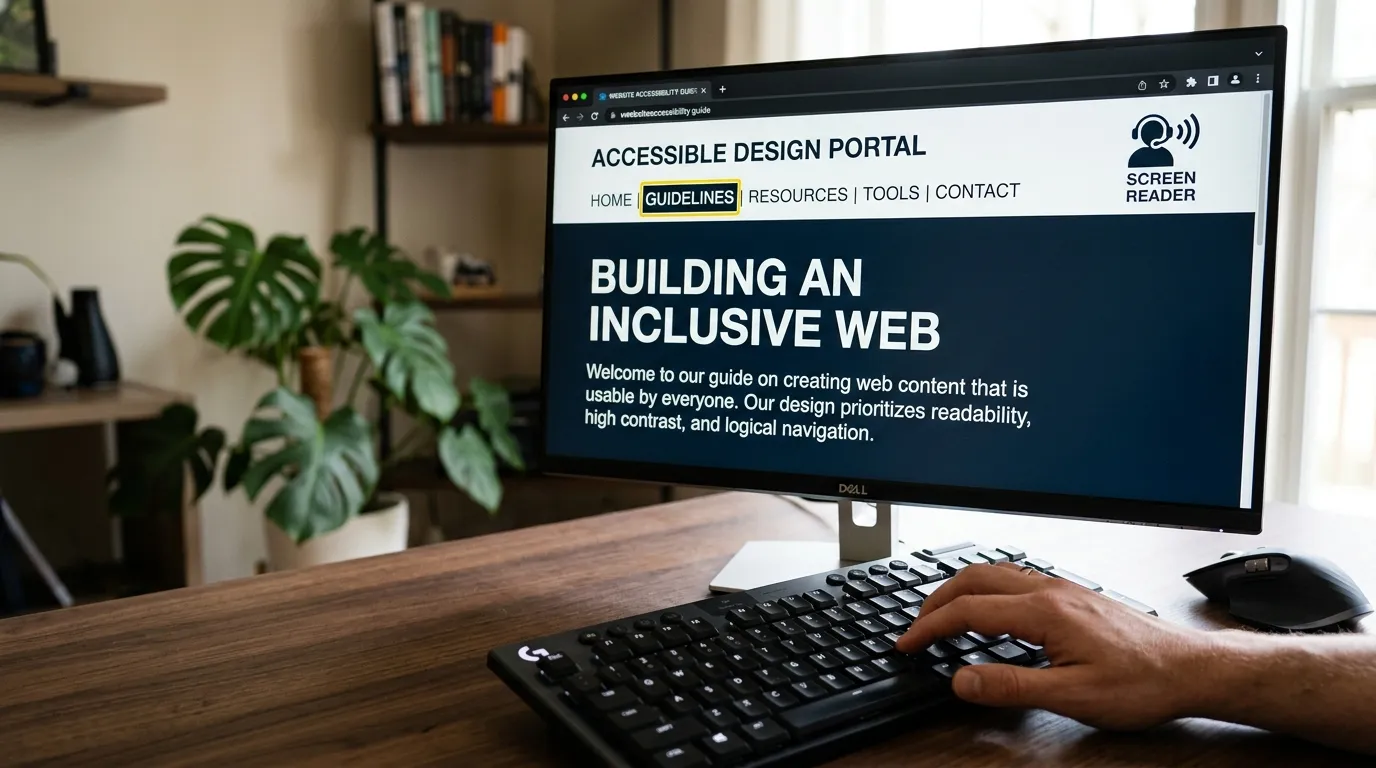
If you run a nonprofit organization, your mission is almost certainly rooted in dignity, inclusion, and community access. Yet, when was the last time someone tried to navigate your donation form using only a keyboard or a screen reader?
Across hundreds of nonprofit website audits, over 85% of charity websites fail basic digital accessibility standards. This isn't just a technical oversight—it is a direct barrier that prevents people with disabilities, aging donors, and individuals in crisis from accessing your services and supporting your mission.
"Accessibility is not a feature you add at the end of a project. It is the baseline test of whether your digital home respects the dignity of every human being who visits it."
Understanding WCAG 2.2 and ADA Title III
Web accessibility is governed globally by the Web Content Accessibility Guidelines (WCAG), published by the World Wide Web Consortium (W3C). In the United States, courts increasingly interpret Title III of the Americans with Disabilities Act (ADA) as applying to nonprofit and commercial websites.
The accepted international benchmark for legal and operational compliance is WCAG 2.2 Level AA. This standard ensures that your digital content adheres to four foundational principles (POUR):
- Perceivable: Information and user interface components must be presentable to users in ways they can perceive (e.g., text alternatives for images, captions for video, sufficient color contrast).
- Operable: Navigation and interface controls must be fully operable via keyboard without requiring a mouse.
- Understandable: Information and operation must be clear, predictable, and error-tolerant.
- Robust: Content must be interpreted reliably by a wide variety of user agents, including modern assistive technologies.
The 5 Most Common Accessibility Violations on Nonprofit Sites
1. Insufficient Color Contrast
Many nonprofit brands favor soft pastels, light gray body text, or muted brand colors. Under WCAG 2.2 AA, normal text must maintain a minimum contrast ratio of 4.5:1 against its background (and 3:1 for large text). When contrast fails, older donors and people with low vision cannot read your impact stories or financial disclosures.
2. Unlabeled Form Fields on Donation and Volunteer Pages
When forms use placeholder text inside an input box instead of proper <label> elements, screen readers cannot announce what information is expected. When a donor tabs into a field, the placeholder vanishes, leaving them stranded.
3. Keyboard Navigation Traps
Can a visitor navigate your entire website using only the Tab, Enter, and Arrow keys? Many popups, mobile hamburger menus, and interactive sliders trap keyboard focus, making it impossible for motor-impaired visitors to reach the donation or contact buttons.
4. Inaccessible PDF Reports
Nonprofits love uploading 40-page annual reports and financial 990 forms as scanned PDFs. Scanned image PDFs are completely invisible to screen readers unless they are properly tagged and remediated with semantic hierarchy.
5. Missing or Meaningless Alt Text
Images that say IMG_4920.jpg or have no alt text leave blind users in the dark. Alt text should describe the substantive meaning and emotional context of the photograph rather than generic keyword stuffing.
Why Accessibility "Overlay Widgets" Do Not Protect You
In recent years, many nonprofits have installed automated plugin widgets (often promising instant ADA compliance with a single line of JavaScript). The accessibility community and legal experts have overwhelmingly rejected these solutions.
Overlay widgets do not fix underlying code errors. In fact, they often conflict with screen readers and assistive devices already configured on a user's computer. Furthermore, plaintiffs' attorneys specifically search for overlay scripts because their presence proves the organization is aware of accessibility needs but has not remediated its source code.
How to Build an Accessible Digital Presence
- Audit with Real Tools: Use automated scanners like Axe DevTools and WAVE as a first pass, followed by manual keyboard-only walkthroughs.
- Remediate Semantic HTML: Ensure proper heading hierarchies (H1 > H2 > H3), ARIA live regions for dynamic forms, and visible focus indicators.
- Publish an Accessibility Statement: State your commitment to WCAG 2.2 AA, provide a direct email and phone number for assistance, and detail your ongoing remediation process.
Is your website accessible to all constituents?
I provide comprehensive WCAG 2.2 AA audits and remediation specifically tailored for mission-driven organizations.
Request an Accessibility Audit