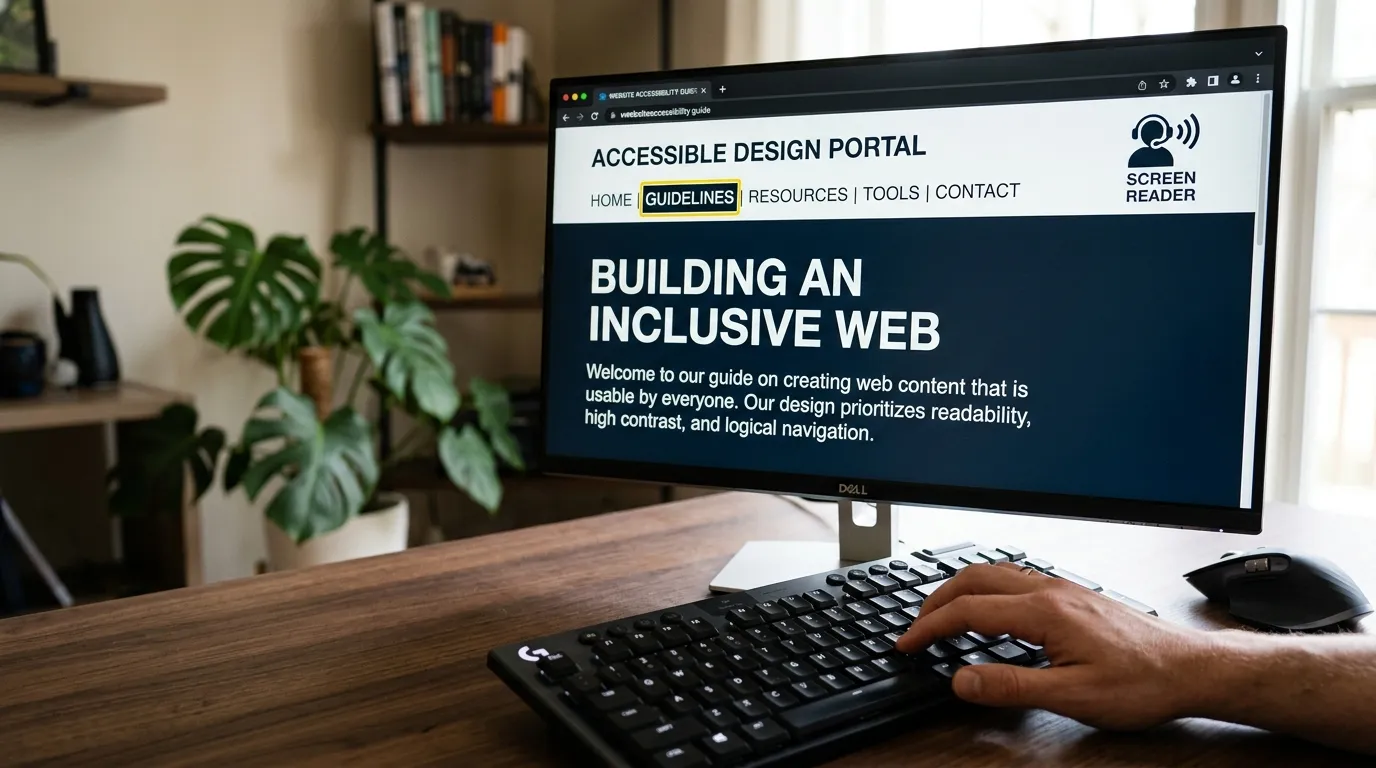
When most web designers build a nonprofit website, they design exclusively for sighted users viewing the screen with a mouse. But millions of donors, board members, and program participants navigate the internet using screen readers (such as NVDA, JAWS, and Apple VoiceOver) or keyboard-only navigation.
A screen reader doesn't look at colors or visual graphics; it converts the underlying semantic HTML code into synthesized speech or a refreshable braille display. If your website code is missing critical accessibility hooks, a blind donor trying to give $500 will encounter unnavigable chaos.
"Accessibility isn't a technical checklist; it is an act of digital inclusion that honors the dignity of every supporter."
The 4 Architectural Pillars of Screen Reader Compatibility
1. Skip Links & ARIA Landmarks
Sighted users scan past navigation bars in a split second. A screen reader user must listen to every single navigation item read aloud on every page load unless you provide a "Skip to main content" link and standard ARIA landmarks (<header>, <nav>, <main>, <footer>).
2. Strict Heading Hierarchy (`` to ``)
`)
Screen reader users navigate complex pages by jumping between headings (pressing the 'H' key). If you skip heading levels or use bold paragraph text instead of true heading tags, blind users lose the conceptual outline of your content.
3. Meaningful Alt Text vs. Decorative Images
Every informative image must contain concise, descriptive alt text that conveys its purpose. Purely decorative illustrations or background flourishes should have alt="" so the screen reader skips them gracefully.
4. Form Accessibility & Dynamic Live Regions
Donation form fields must be paired with explicit <label for="..."> tags. When a form validation error occurs, use aria-live="polite" or aria-invalid="true" so the user is immediately alerted to which field requires correction.
Want to ensure your website is screen-reader friendly?
Let's conduct a manual assistive technology audit to identify and remediate hidden accessibility barriers.
Request an Accessibility Audit