How Much Does a Nonprofit Website Cost in 2026? (A Real-World Budget Breakdown).
A transparent breakdown of nonprofit website costs. Explore realistic pricing tiers ($5k to $45k+), line-item expenses, and grant budgeting.
Read article
A long-form answer, in the spirit of E-E-A-T.
After completing my Master of Social Work, I spent three years inside a community mental health nonprofit watching brilliant clinicians lose donors, volunteers, and — most painfully — people in crisis, because the organization's website was actively working against them. Forms broke on mobile devices. Crisis resources were buried three clicks deep. The donation page asked for money before it explained what the money did. The staff knew it was broken. They just couldn't fix it.
A nonprofit website is not a marketing asset. It is infrastructure. It is the first conversation a donor has with your mission at 11 p.m. on a Sunday, the first hand a person in crisis reaches for at 2 a.m. on a Tuesday, the first impression a program officer forms before reading a single line of your grant report. When that infrastructure fails, the mission loses — quietly, invisibly, in ways that never show up in a dashboard.
So I learned to build them. Eleven years later, I have shipped websites for community shelters, refugee resettlement agencies, disability advocacy organizations, hospice foundations, food banks, legal aid societies, environmental coalitions, and grassroots mutual aid networks. Every project begins the same way: a two-hour mission interview, the kind of conversation a social worker is trained to lead. We talk about who you serve, how they arrive at your door, what they need in their hardest moments, and what your board needs to tell funders. The website is built from that conversation outward.
This site — nonprofitwebdeveloper.com — exists as a topic resource: a place where nonprofit staff, executive directors, development teams, and board members can find honest, field-tested answers about what a nonprofit website should do, what it should cost, how long it should take, and how to tell the difference between a developer who understands the work and one who simply wants the contract. When you are ready to actually build, the work happens at Web4Cause.com — the nonprofit website specialist practice where I take on new projects.
Nonprofit Web Developer, MSW
Each of these is a distinct practice. Most nonprofits need three or four of them in some combination. The full list of specialized services lives at Web4Cause.com.
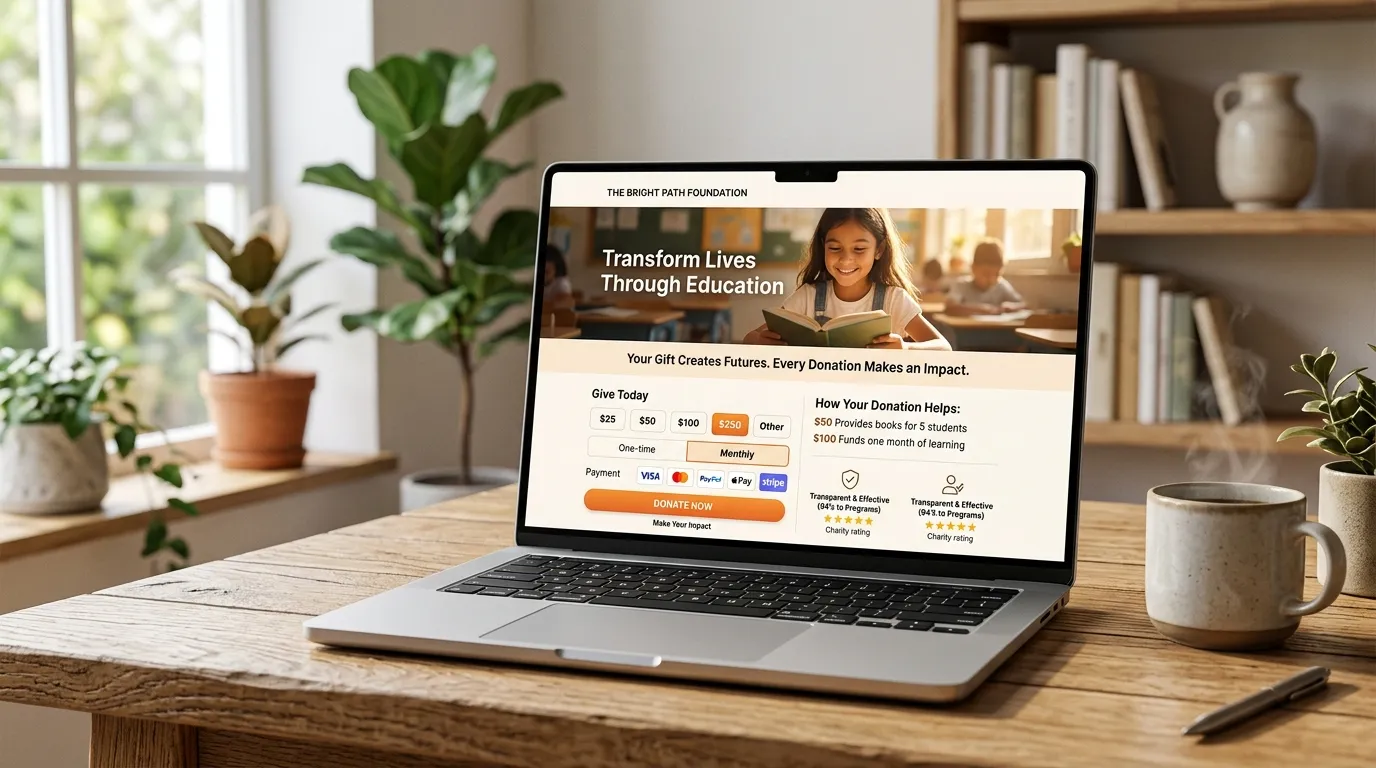
A donation page is not a checkout. It is the moment a person decides your mission deserves a piece of their paycheck. The flow has to honor that — with clarity about where the money goes, frictionless recurring options, and a thank-you that means something.
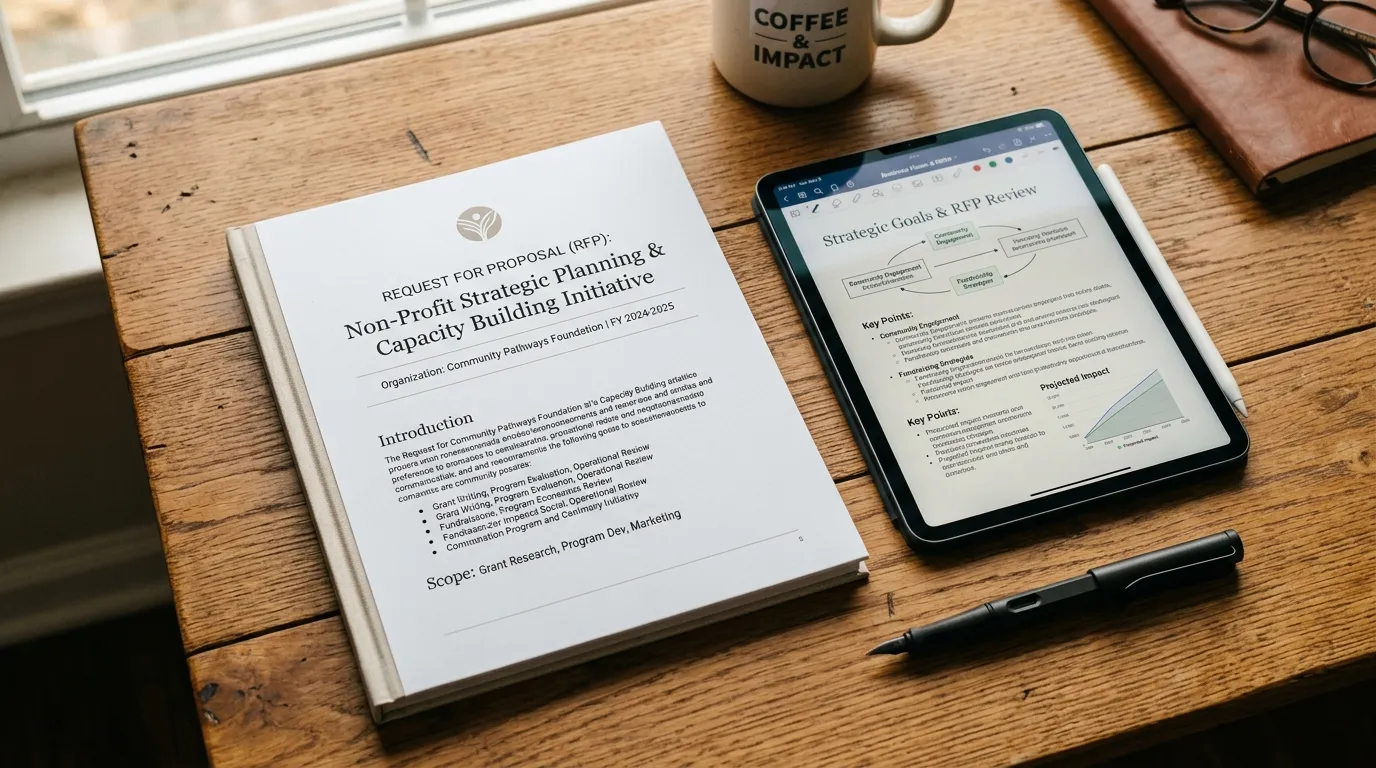
Most nonprofit websites are written for funders. The people you serve can't find the information they need. A program outreach site flips the priority: the constituent comes first, the funder comes second. Both leave satisfied.
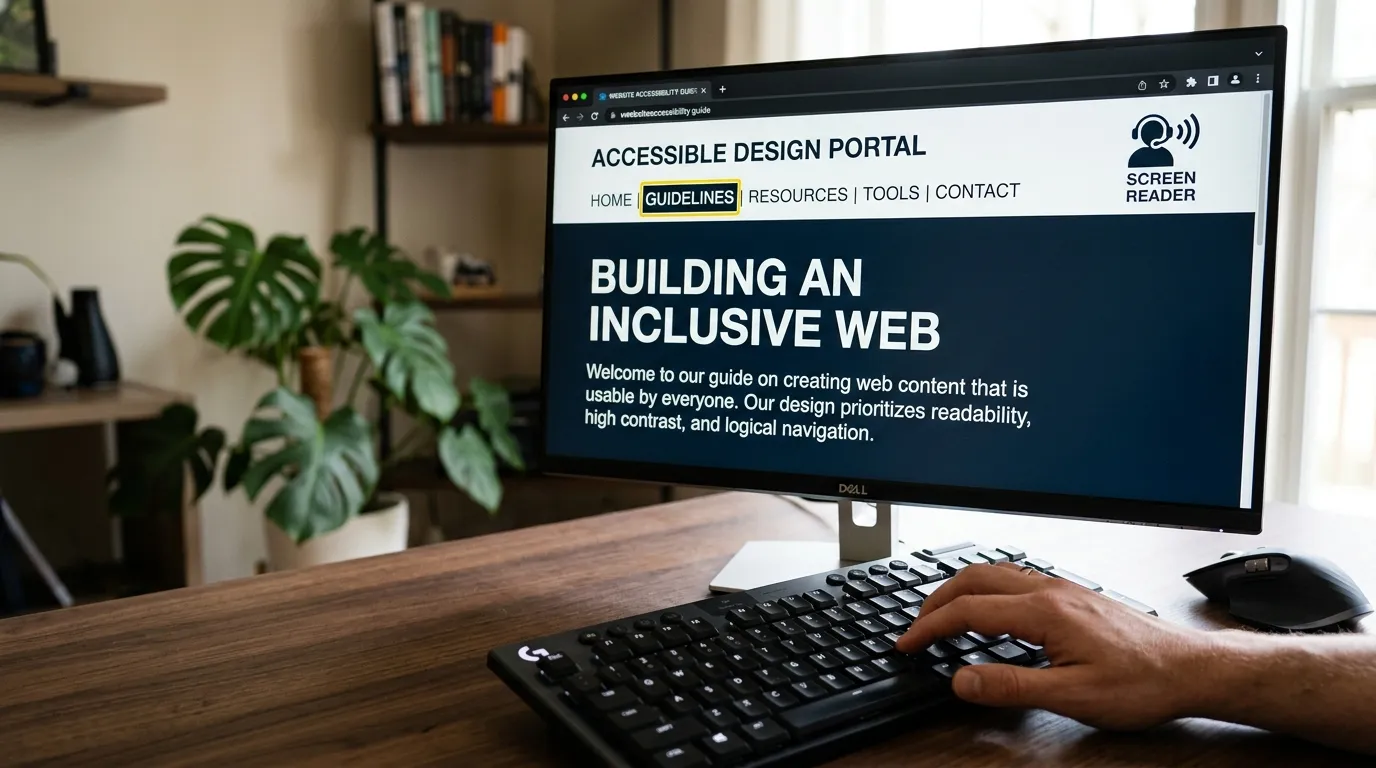
Nonprofits serve older donors on aging devices, constituents using screen readers, people in crisis who can't process dense text, rural users on satellite broadband. Accessibility is not a compliance afterthought — it is the entire point.
A statistic moves no one. A story moves everyone. But stories about vulnerable people carry ethical weight — consent, dignity, the difference between representation and exploitation. A social worker's training matters here.
If your last website was built before 2020, it is actively losing you donors, staff time, and credibility. A redesign is not a refresh — it is a strategic re-architecture of how your mission meets the internet. The process is methodical, the outcome is measurable.
The engagement begins with a two-hour mission interview — the same intake structure a social worker uses in clinical practice. We talk about who you serve, what failure looks like for them, and what success looks like for you. The website is built outward from that conversation.
Each phase has a deliverable, a deadline, and a check-in. No surprise invoices. No scope drift. No black-box development. You see the work as it happens.
A two-hour conversation modeled on clinical intake. We map your constituents, your funders, your programs, and the moments where your current website fails the people you serve. By the end, we have a written brief that everything else is built against.
Week 1 · 2 hours · Remote or in-personBefore a single pixel is designed, we map the structure. What pages, what hierarchy, what user flows. This is where most nonprofit websites go wrong — built for the org chart instead of the constituent. We fix that here.
Weeks 2–3 · Sitemap + user flows + content auditVisual design, but rooted in the constituent. Color palettes tested for accessibility. Typography tuned for older donors. Photography direction that respects the dignity of the people you serve. Two design rounds, then we lock.
Weeks 4–6 · Two rounds · Approved in FigmaSemantic HTML, accessible by default, fast on every device. Built on WordPress unless your needs dictate otherwise. Donation integration, multilingual infrastructure, and CRM connections happen here. You see progress weekly.
Weeks 7–11 · Staging environment · Weekly demosLaunch is quiet — a soft opening, not a fireworks show. We watch analytics for 72 hours, fix what surfaces, then announce. Staff training happens the same week: a 90-minute workshop on editing content, adding stories, and reading the donor dashboard.
Week 12 · Soft launch + staff workshopThe website is not done at launch. Monthly care covers security updates, accessibility monitoring, content backups, and a fixed number of content updates. Quarterly, we review analytics together and decide what to refine. The mission evolves; the website evolves with it.
Months 4+ · Monthly care plan · Quarterly strategy callEach project below is summarized here for context; full case studies with screenshots, content strategy, and post-launch analytics live at Web4Cause.com, the nonprofit website specialist practice where new client work is delivered.
The previous site was a grant-reporting artifact — dense, English-only, organized around federal funding streams instead of human needs. New arrivals couldn't find housing assistance. Volunteers couldn't find intake forms. Donors saw statistics instead of people. We rebuilt it from the constituent outward.
When someone lands on a shelter website at 2 a.m., they are not browsing. They are in crisis. We re-architected the entire site around the assumption that the visitor is in distress: one-click phone, one-click directions, crisis resources above the fold on every page, and an escape button that leaves no browser history.
An organization advocating for disability rights had a website that failed WCAG 2.1 AA. The irony was lost on no one. We rebuilt it to WCAG 2.2 AAA where feasible, with input from the community throughout — screen reader users, keyboard-only users, low-vision users, cognitive accessibility advocates. The site now sets the standard the organization advocates for.
A nonprofit website developer who claims to do everything is lying. Below is an honest list of services I do not offer, with referrals to practitioners I trust. Trust is built by saying no.
If you are looking for a weekend build by someone who doesn't understand your mission, we are not the right fit. A poorly built website will cost you more in lost donors and staff time within two years. Invest in an asset that serves your long-term vision.
If you're selling merchandise or products as the primary revenue stream, you need a Shopify specialist, not a nonprofit website developer. I integrate donation infrastructure; I do not build product catalogs. Referrals available on request.
In eleven years of building nonprofit websites, I have never seen a nonprofit that actually needed a mobile app. A well-built responsive website does the job better, at a fraction of the cost, without app store politics. If you genuinely need native, I'll refer you out.
I integrate with Salesforce, EveryAction, Bloomerang, Neon, Little Green Light, and DonorPerfect. I do not build custom donor management systems. If you need one, you have a different problem — call me first so we can figure out if you actually do.
Different compliance, different stakes, different timeline. I work with 501(c)(3) nonprofits and nonpartisan civic organizations. For (c)(4) advocacy or campaign work, I'll refer you to practitioners who specialize in electoral tech.
If you need a website live in two weeks for an event, your problem is not the website. A proper nonprofit engagement takes 12 weeks minimum. I will help you put up a holding page with donation capture; I will not pretend to do a real build in less time than it deserves.
If your need falls into any of the categories above, reach out through Web4Cause.com and I will personally refer you to a practitioner I trust. The referral costs you nothing; it costs me a project. That is the point.
Below are the eight questions I hear most often from executive directors, development directors, and board members. The answers are honest, sometimes uncomfortable, and structured to be useful whether or not you ever hire me.
Don't see your question? Ask it directly at Web4Cause.com.
Last updated · June 2026A nonprofit website developer understands the sector's constraints — limited budgets, grant funding cycles, board oversight, mission-first storytelling, and the need to convert visitors into donors and volunteers rather than just customers. A nonprofit specialist writes copy that respects the dignity of the people you serve, designs donation flows that follow fundraising best practices, and builds accessibility for the audiences nonprofits actually serve: older donors, people with disabilities, low-bandwidth rural users, and constituents in crisis.
A Master of Social Work background adds clinical understanding of how people in distress interact with digital forms, crisis resources, and intake processes. The result is a website that works for the people who actually need it — not just the people paying for it.
We do not list standard pricing because every nonprofit's technical needs are completely unique — the investment depends entirely on your specific project requirements. However, we strongly encourage organizations to consider comprehensive, higher-tier packages when securing funding.
A robust, well-built website isn't just an expense; it becomes a long-term asset that continuously drives donations, volunteer engagement, and mission awareness for years to come.
After completing a Master of Social Work and working in the sector, it became clear that nonprofits were losing donors, volunteers, and program participants not because their mission was weak, but because their websites failed the people they were trying to reach. Forms were inaccessible. Donation flows were clinical. Crisis resources were buried.
A social worker who codes can sit in the gap between mission and technology — translating grant objectives into information architecture, fundraising strategy into donation UX, and constituent dignity into interface design. It is clinical practice applied to digital infrastructure.
Both. Small organizations often need the most help because they have the least internal technical capacity. Projects are scoped carefully to match the organization's specific requirements.
We recommend investing in a strong foundational site that acts as a true long-term asset, capable of growing with your mission over the next decade.
WordPress with carefully selected plugins remains the strongest choice for most nonprofits because of ownership, flexibility, and the ability to hand the site to future staff. For organizations that need simpler maintenance, Squarespace or a headless static setup can work. For complex program databases, volunteer management, or multi-site configurations, a custom build on a modern framework is sometimes warranted.
The platform is chosen based on the organization's capacity to maintain it after launch, not the developer's preference to build it.
Yes. Every site is built to WCAG 2.2 AA standards at minimum, with attention to the audiences nonprofits specifically serve: older donors using older devices, constituents using screen readers, people in crisis who need clear wayfinding, and low-bandwidth rural users.
Accessibility is not a checkbox — it is woven into semantic HTML, color contrast, keyboard navigation, form labels, alt text, and content structure. An accessibility audit and remediation plan is available for existing nonprofit websites as a standalone service.
A focused small nonprofit website takes 6–8 weeks. A mid-sized organizational site with donation integration, multilingual content, and staff training takes 12–16 weeks. Large multi-program or federated sites can take 4–6 months.
The most common delay is content preparation — nonprofits often underestimate how long it takes to gather program descriptions, staff bios, impact stories, and brand photography. A content workshop early in the process prevents most timeline issues.
Yes. Monthly care plans cover security updates, content backups, accessibility monitoring, and a fixed number of content updates per month. Nonprofits often lose their website to neglected updates within 18–24 months of launch — a care plan prevents that.
Training is also provided so staff can make day-to-day content updates independently. The goal is for the organization to own and operate its website, not to be dependent on a developer for every small change.
In-depth, field-tested guides on website costs, donation conversion, WCAG accessibility, and platform strategy.
A transparent breakdown of nonprofit website costs. Explore realistic pricing tiers ($5k to $45k+), line-item expenses, and grant budgeting.
Read article
A walk-through of the seven most common donation page failures I see in nonprofit website audits — and the specific fixes that consistently lift conversion.
Read article
An ADA compliance primer written for nonprofit leaders, not developers. Covers legal exposure, sector-specific risk, and WCAG 2.2 AA standards.
Read article
A comprehensive 5-phase redesign checklist for nonprofit leaders. Plan discovery, WCAG accessibility, donation workflows, and 301 redirects.
Read article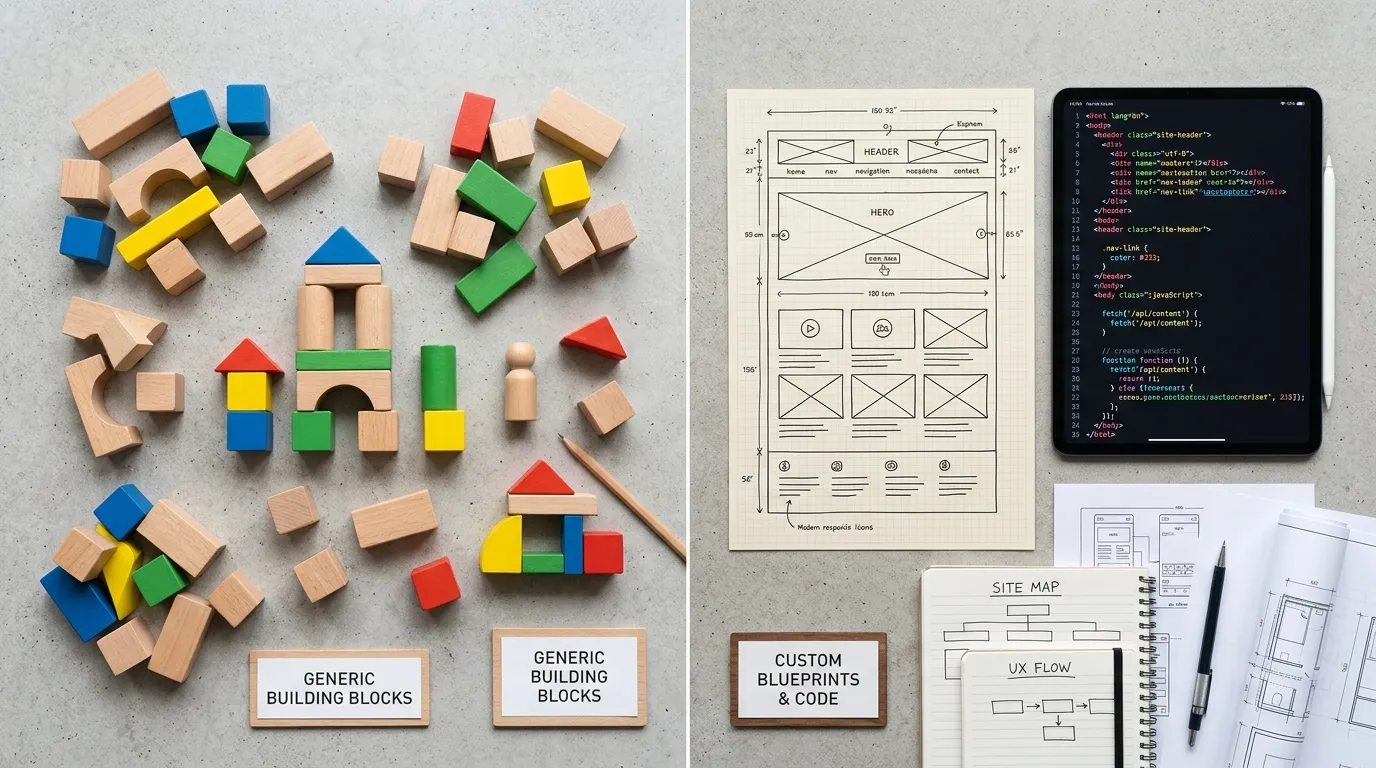
Why WordPress remains the #1 CMS for charities. Learn about custom block themes, essential plugins, donor CRM integrations, and security.
Read article
A comprehensive SEO guide for non-profits. Learn technical optimization, high-intent keyword mapping, JSON-LD schema, and authority backlinks.
Read articleAll new nonprofit website projects are taken on through Web4Cause.com — the nonprofit website specialist practice. The first conversation is a 30-minute mission fit call. No pressure, no pitch, no sales sequence. Just a conversation about whether your mission and my practice belong together.